One week away
From October 29 to November 5, 2026, there are 7 calendar days: 1 whole week. Turn on “Include the ending date” to count 8 dates, or 1 week and 1 day.
A LITTLE CLOSER TO YOUR NEXT MOMENT
A birthday, a trip, a fresh start. Find the calendar days between two dates, including dates that have already passed.
Free to use. No account or installation. Your dates and event label stay in this browser.
YOUR MOMENT, IN PERSPECTIVE
Choose a target date and select Calculate days to see your result here.
From October 29 to November 5, 2026, there are 7 calendar days: 1 whole week. Turn on “Include the ending date” to count 8 dates, or 1 week and 1 day.
February 28 to March 1, 2028 spans 2 calendar days because 2028 has a February 29. Without an inclusive extra day, the same date gives a result of 0.
Choose an earlier target to find days since it. November 5 back to October 29, 2026 is a 7-day gap. The date range shows the direction; the total stays easy to read.
Every date step counts once, even when daylight saving changes the number of hours in a day. This is a date calculator, not an exact-time timer. All days, including weekends, count.
By default it counts the day-to-day gap: today to tomorrow is 1 day and today to today is 0. The inclusive option adds one, counting both selected dates. Same-day inclusive is 1.
The total always uses your selected starting date. The “Upcoming date,” “Today” or “Past date” label describes the target compared with your device’s current local date.
No. This calculator keeps inputs in the current page only. It does not create a public link, save an event, or sync a result to the DayCount app.
KEEP THE ANTICIPATION CLOSE
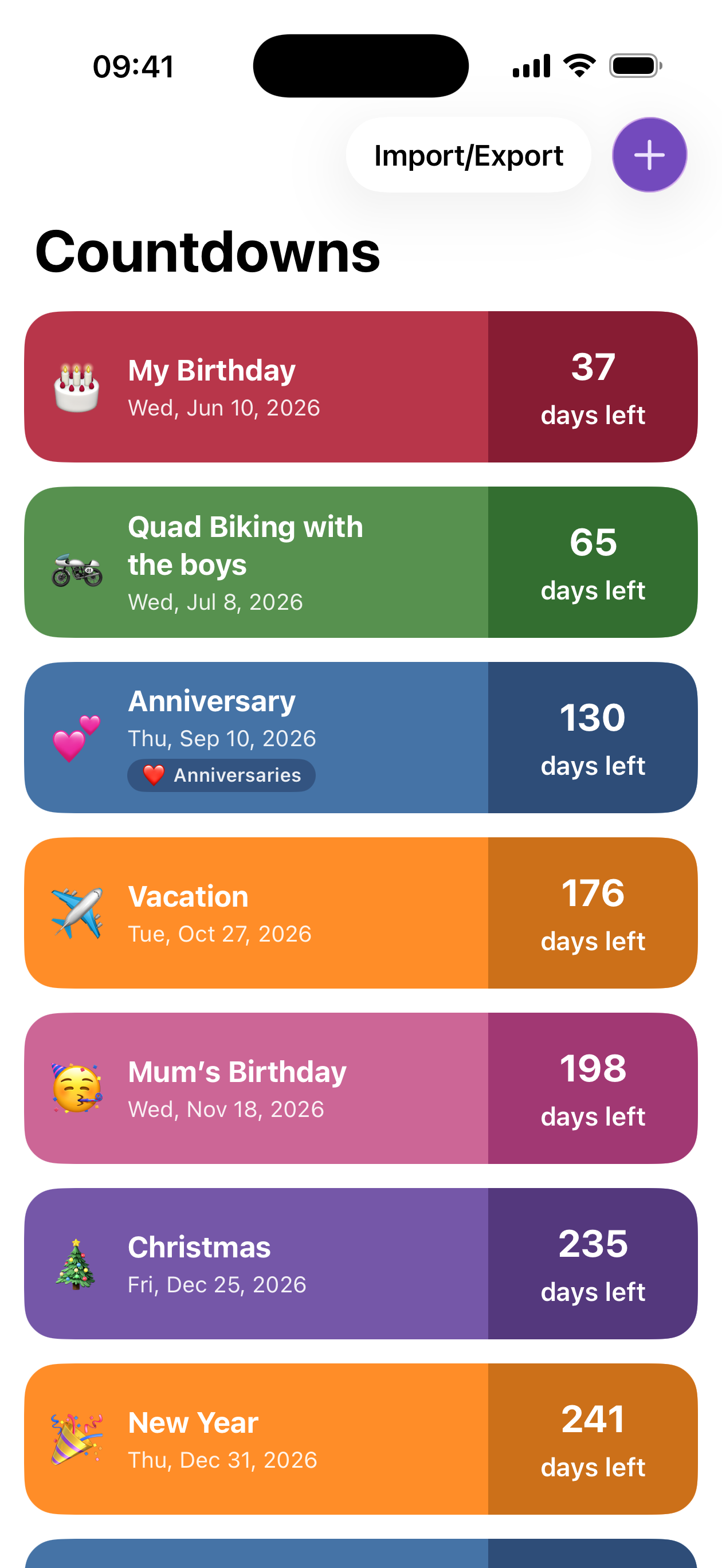
Save personal events, organize your countdowns and set local reminders in the app. Calendar features and widgets are available where supported. Enter your event in the app to keep it there.